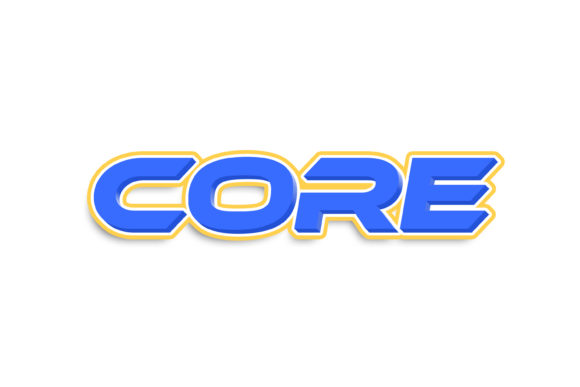
Core: Effortless 3D Text Effects with Smart PSD Editing
There’s a certain magic that happens when text seems to leap off the page, casting a shadow and catching light in a way that feels tangible. This kind of dimension can transform a simple headline into a focal point, a social media post into a scroll-stopper, and a brand mark into something truly memorable. Achieving this polished, professional 3D look traditionally required a deep dive into complex software or hiring a specialist. But what if you could apply a stunning, realistic 3D style to any text or shape with just a few clicks, directly within Adobe Photoshop? That’s the promise of the Core - 3D Text Style Effect PSD, a design asset built for creators who value both impact and efficiency.
More Than Just a Filter: A Professional Design Shortcut
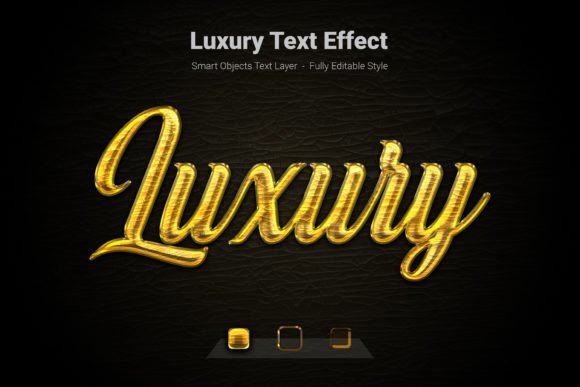
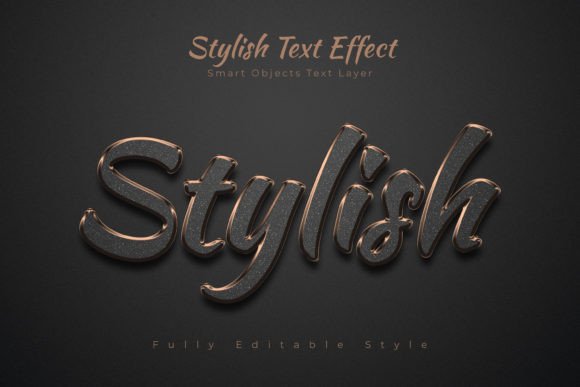
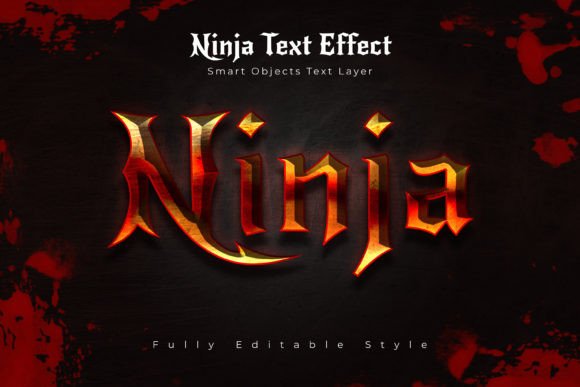
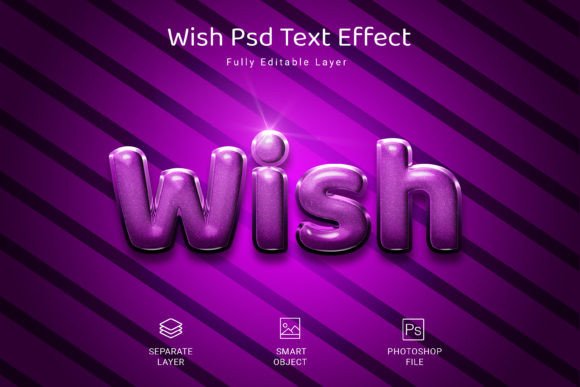
Forget flat, one-dimensional typography. This isn't a simple Photoshop filter that adds a generic bevel. The Core 3D effect is a meticulously crafted Smart Object layer. The "style" is pre-built with realistic lighting, subtle gradients, and depth that you can see and feel. Its true power lies in its editable, non-destructive nature. You're not just applying an effect; you're integrating a dynamic tool into your workflow. For a small business owner finalizing a product launch poster or a content creator batching social media graphics, this means consistency is guaranteed. Every headline, logo variation, or promotional text will carry the same high-quality 3D treatment, reinforcing brand recognition through a cohesive visual language.
The setup is designed for absolute simplicity. After opening the provided PSD file, you locate the clearly labeled smart object layer—often named something like “Double-Click to Change.” A double-click opens a new window where your original text or shape lives. Here, you type your own words, swap the font to one that matches your brand’s personality, or even paste in a custom icon or shape. Save this inner file, close it, and watch as the 3D effect instantly updates on your main canvas. This process eliminates guesswork and technical hurdles, letting you focus on the creative message rather than the technical execution. The result is a crisp, 3000×2000 pixel output at 300dpi, perfectly suited for both high-resolution print materials and sharp digital displays.
Practical Applications: Where 3D Typography Shines
The versatility of a premium 3D text effect extends far beyond a single project. Consider how this style can solve real design challenges across various mediums:
- Branding & Logo Design: A 3D treatment can add a sense of solidity and innovation to a wordmark. It’s particularly effective for tech startups, gaming brands, or any company wanting to project a modern, dynamic identity. Use it for your main logo, or create striking sub-marks and icons.
- Digital & Social Media: In the fast-paced world of Instagram, TikTok, or YouTube thumbnails, depth and dimension grab attention. Apply the effect to key phrases in promotional graphics, quote cards, or video titles to make them pop against busy backgrounds.
- Web & Editorial Design: Website hero sections, blog post titles, and magazine headers benefit immensely from impactful typography. A 3D headline can guide the reader’s eye and establish a strong visual hierarchy, improving overall readability and engagement.
- Packaging & Merchandise: Physical products need shelf appeal. This style can be used on box art, label designs, or even directly on merchandise like t-shirts and mugs, giving designs a tactile, premium quality that stands out.
- Marketing & Print Assets: From event posters and flyers to digital ads and email banners, the 3D text effect adds a layer of professionalism and excitement. It’s ideal for calls-to-action or highlighting special offers.
Integrating 3D Style Into Your Design Workflow
While the Core PSD makes application easy, thoughtful integration is key to its success. The 3D style is inherently bold, so it’s best used for display purposes—headlines, logos, and short phrases—rather than for body copy where readability is paramount. Think of it as the accent wall in a room; it draws focus and sets the tone without overwhelming the entire space.
A critical step is font pairing. The 3D effect works with any typeface, but your choice of font dramatically changes the outcome. A clean, geometric sans-serif font will feel modern and tech-forward. A sturdy serif font can appear classic and authoritative with the 3D treatment. A playful script font becomes whimsical and dimensional. Always test your chosen font within the smart object to ensure the letterforms maintain clarity and balance when the effect is applied. Some intricate scripts might lose detail, so opt for fonts with solid, well-defined shapes.
Remember to consider the context of your final design. A 3D effect that looks stunning on a dark, moody background might appear heavy on a light, airy one. Use the included preview JPG to get a sense of the effect’s default look, but don’t be afraid to experiment with the background color or texture in your main PSD to see how the lighting and shadows interact. This asset is your starting point; the final composition is where your unique creative vision takes over.
What You Receive and Smart Usage Tips
Upon download, you get a neatly organized package: the main PSD file with clearly labeled and grouped layers, a preview JPG for a quick reference, and a Read Me.txt with basic instructions. The organized layers are a thoughtful touch, especially for those who might want to delve deeper and manually adjust elements like shadow intensity or highlight color.
Before you dive into your final project, take a moment to explore the file. Double-click the smart object and play with different text. Try uppercase vs. lowercase, adjust the tracking (letter-spacing), and see how different fonts respond. For your commercial projects, always verify the licensing of the fonts you choose to pair with this effect. While the PSD asset itself is licensed for commercial use, the fonts you install and use within it are subject to their own licenses. This due diligence ensures your entire design is compliant for any use, from a client’s logo to a product for sale on a marketplace.
In a landscape crowded with content, the tools you use should empower you to work smarter, not harder. The Core - 3D Text Style Effect PSD is one such tool—a bridge between a complex visual technique and accessible, efficient design. It’s about giving your words weight, your brand presence, and your projects that polished, professional edge that resonates with audiences and elevates your creative output.