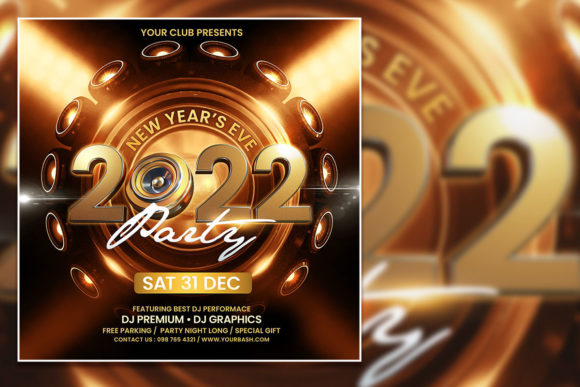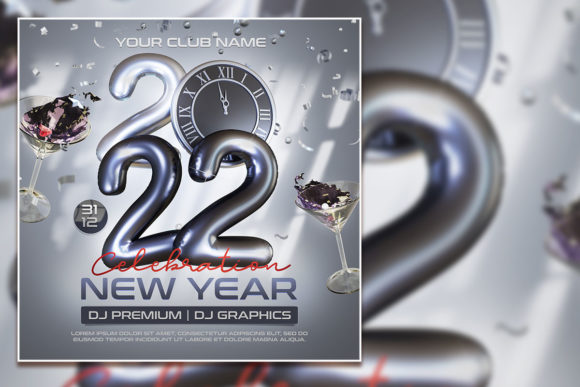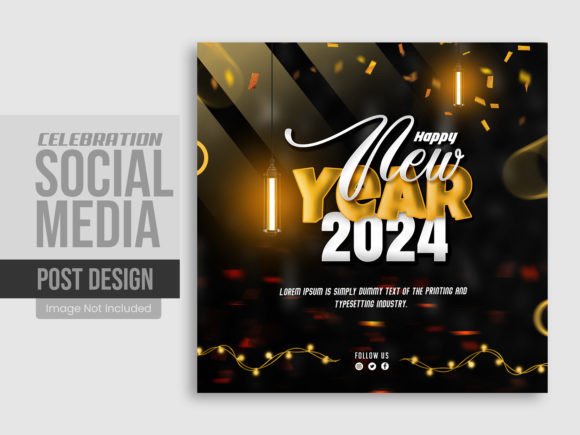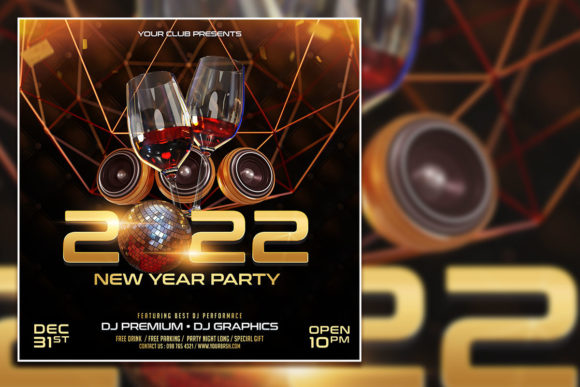
Celebrate the New Year with a Stunning Social Media Post
The countdown has begun, and you're scrambling to create something eye-catching for your brand's New Year celebration. You want a post that stops the scroll, captures the festive energy, and actually looks professional without spending hours in design software. That's where a ready-made template like the Modern New Year Party Social Media Post comes in handy—it's designed to give you that polished, party-ready aesthetic right out of the box.
Why This Template Works for Busy Creators and Brands
Let's be honest: not everyone has the time or budget to hire a designer for every single social media graphic. Whether you're a small business owner promoting a New Year's sale, a content creator building your personal brand, or a marketer juggling multiple campaigns, you need assets that work fast. This particular template is built at 2000 by 2000 pixels with a 300 DPI RGB color profile, which means it's sharp enough for both digital displays and print materials. The layered PSD file gives you full control over every element—swap out colors, rearrange text, adjust backgrounds—without starting from scratch.
What makes it genuinely useful is the flexibility. You're not locked into a rigid design. The 100% layered structure means you can isolate individual components, tweak opacity, change fonts, or add your own branding elements in minutes. For someone running a boutique shop, a restaurant planning a New Year's Eve event, or a blogger wanting cohesive visuals across Instagram and Facebook, this kind of adaptability saves real time.
Getting the Most Out of Customizable Design Assets
The beauty of a template like this lies in how you personalize it. Start by replacing the preview images with your own photos—maybe a shot of your team, your product, or a festive backdrop that matches your brand's color palette. The file is designed to make this swap straightforward, even if you're not a Photoshop expert. Just double-click the smart object layer, drop in your image, save, and you're done.
Think about your brand identity as you customize. If your brand uses a specific shade of gold or navy, adjust the template's color scheme to match. If your logo has particular proportions, reposition the text elements so nothing gets crowded. The goal is to create a social media graphic that feels unmistakably yours while benefiting from a professionally designed layout.
Here's a practical tip: before you finalize, view the design at the size it will actually appear on someone's phone screen. Details that look great at full resolution on your desktop might get lost when shrunk down to a 1080-pixel Instagram post. Make sure your main message—whether it's "Happy New Year," a countdown, or a special offer—is legible at a glance.
Beyond Social Media: Where Else Can You Use This?
Don't limit yourself to a single Instagram post. A well-designed template like this can serve multiple purposes across your marketing materials. Consider these applications:
- Email newsletters – Use the graphic as a header image for your year-end message to subscribers.
- Print invitations – If you're hosting an actual New Year's party, the high-resolution file works beautifully for printed invites or flyers.
- Website banners – Resize and adapt the design for a homepage banner announcing holiday hours or promotions.
- Blog post graphics – Pair it with a "Year in Review" article or a New Year's resolution list.
- Digital products – If you sell planners, calendars, or printable wall art, incorporate similar design elements for a cohesive product line.
The print-ready format means you're not sacrificing quality when you move from screen to paper. That 300 DPI resolution ensures crisp edges and smooth gradients, whether you're printing a poster for your storefront or a postcard for direct mail.
Pairing Typography and Maintaining Visual Consistency
One thing worth noting: the template comes with free fonts, which eliminates the headache of licensing issues for commercial use. When you open the file, check which fonts are included and consider whether they align with your existing brand typography. If you already use a modern sans serif for your logo, you might want to keep the template's text in a similar family to maintain visual consistency across all your platforms.
Font pairing matters more than people realize. A bold display font for your headline paired with a clean, readable body font creates hierarchy and guides the viewer's eye. If the template's default pairing doesn't feel right for your brand, swap in alternatives—but test them together first. A script font that looks elegant in isolation can clash with a geometric sans serif if the proportions or weights don't complement each other.
Readability is non-negotiable. Decorative and handwritten fonts add personality, but they should never sacrifice clarity, especially on mobile devices. Keep your primary message in a typeface that's easy to read at small sizes, and reserve the more expressive styles for accent text or secondary elements.
Practical Advice for Branding and Marketing Use
If you're using this template as part of a larger campaign, think about how it fits into your broader visual strategy. Consistency across touchpoints builds recognition. Your New Year's post should feel like it belongs alongside your everyday content—not a jarring departure that confuses your audience.
For small business owners, this is also an opportunity to reinforce your brand personality. Are you playful and energetic? Use bright, saturated colors and a casual font style. Are you sophisticated and upscale? Stick with a muted palette, elegant typography, and clean composition. The template gives you a starting point, but your brand's voice should guide every customization decision.
Don't forget to plan for multiple formats. A single square design might work perfectly for Instagram, but you'll need a vertical version for Stories and a horizontal crop for Facebook or LinkedIn. Because this is a layered PSD file, duplicating and reformatting for different platforms is straightforward—just adjust the canvas size and reposition your elements accordingly.
A Smart Addition to Your Design Toolkit
Having a library of customizable templates isn't about cutting corners—it's about working efficiently. Professional designers use templates and asset libraries all the time; it's how they manage volume without compromising quality. For entrepreneurs and content creators who wear multiple hats, a resource like the Modern New Year Party Social Media Post template bridges the gap between "I need this done now" and "I want this to look good."
The key is treating templates as a foundation, not a finished product. Layer in your own photography, adjust the typography to match your brand voice, and fine-tune the color palette until it feels right. When you invest those extra fifteen minutes in personalization, the result looks custom-designed—and your audience will notice the difference.