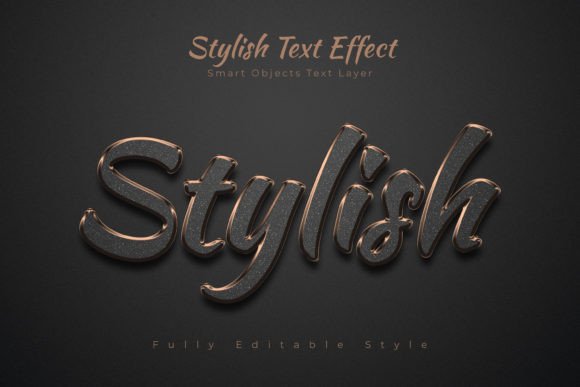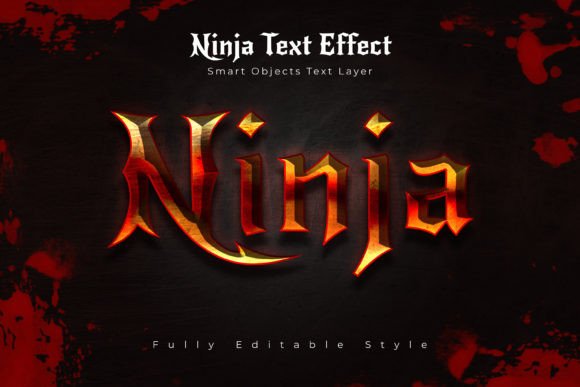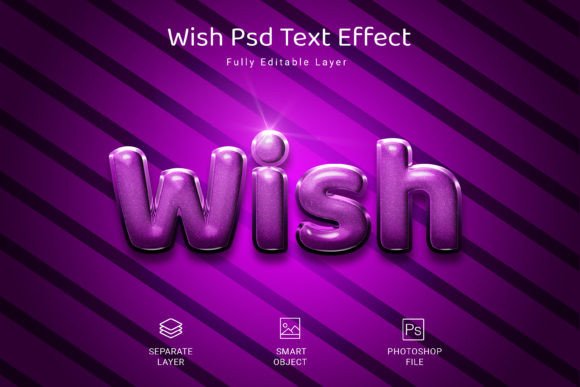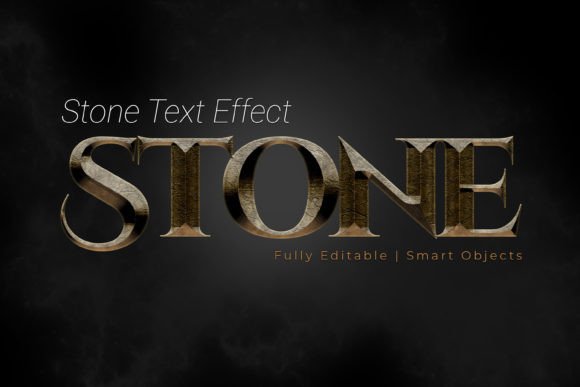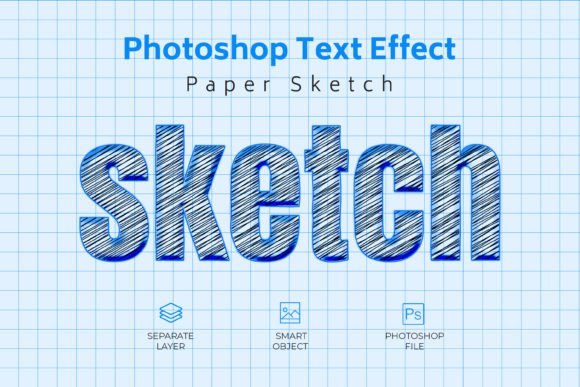
Sketch Psd Text Style Effect: Instant Visual Polish
You know that moment when you're staring at a blank canvas, and the text just looks... flat? Maybe you're designing a social media post for a local bakery, or perhaps you're putting together a presentation for a client meeting. The words are there, but they lack that certain something—that tactile, handcrafted quality that makes people stop scrolling and actually pay attention. That's where a tool like the Sketch Psd Text Style Effect comes into play, offering a shortcut to that polished, high-quality aesthetic without requiring you to be a Photoshop wizard.
Beyond Basic Fonts: Adding Dimension and Character
At its core, this isn't just another font file. It's a layered PSD template that applies a specific visual treatment—think of it as a textured, sketched overlay—to any text, shape, or vector logo you place inside it. The appeal lies in its simplicity and the instant upgrade it provides. You're not just typing words; you're applying a cohesive visual style that suggests craftsmanship and attention to detail. For a small business owner creating their own menu, or a content creator designing a thumbnail, this kind of immediate effect can bridge the gap between amateur and professional-looking output. The included features are built for practical use: a high-resolution 3000x2000 pixel canvas ensures your designs look crisp on everything from a website banner to a printed poster, while the 300 DPI and RGB color mode are standard for both digital and print-ready work.
Think about the last time a piece of packaging or a website header caught your eye. Chances are, the typography played a huge role. It communicated something beyond the literal words—perhaps rustic charm, modern minimalism, or playful energy. Applying a consistent text effect like this across your brand assets can help build that immediate recognition. When your Instagram story graphics, your Etsy shop banner, and your business card all share the same textured, sketched text style, it creates a visual thread that ties your brand together. It's a subtle form of brand identity that works hard in the background, making your materials look intentionally designed rather than hastily assembled.
Practical Applications for Real-World Projects
So, where does a tool like this actually fit into your workflow? The versatility might surprise you. Let's break it down with some concrete scenarios.
For Branding and Logo Exploration: If you're in the early stages of developing a brand identity, experimenting with different text treatments is crucial. The Sketch Psd Text Style Effect allows you to quickly mock up how a potential brand name or tagline would look with a handcrafted, textured feel. This is invaluable for mood boards and initial client presentations. You can test whether this particular aesthetic aligns with the brand's personality—is it artisanal, creative, vintage, or modern? Seeing the text in context, rather than just imagining it, leads to better decision-making.
In Digital Marketing and Social Media: The scroll-stopping power of a well-designed graphic is undeniable. Use this effect to create standout headlines for your Facebook ads, engaging quote graphics for Pinterest, or dynamic text overlays for your TikTok or Reels. Because the file is fully editable, you can tweak it to match your campaign's color palette, ensuring visual consistency across all your digital platforms. A marketer promoting a new e-book, for instance, could use the effect on the title in promotional graphics, making it instantly recognizable and adding perceived value.
Packaging and Physical Products: Imagine designing a label for a small-batch coffee roaster or a handmade soap company. The sketched text style can evoke a sense of authenticity and hands-on care that resonates with consumers looking for artisanal goods. It translates beautifully to packaging, hang tags, and even merchandise like tote bags or mugs. The high resolution of the PSD file means you don't have to worry about pixelation when scaling up for print runs.
Editorial and Web Design: Bloggers and online publishers can use this effect to create captivating featured images for articles or to style pull quotes and section headers within a layout. It adds visual interest and breaks the monotony of body text, improving the reader's experience and engagement. For web designers, it can be a strategic accent element—used sparingly on a homepage headline or a call-to-action button to draw the eye without overwhelming the overall clean design.
Smart Workflow and Practical Considerations
Getting the most out of a design asset like this involves a few smart practices. First, font pairing is key. The Sketch effect works best when contrasted with a clean, simple secondary font. Pair the styled headline with a readable sans-serif for body copy to maintain clarity. Don't make every piece of text on your page textured; use it as an accent for maximum impact.
Second, always check the licensing. The description mentions a "Free Font Used," which is a great start, but for any commercial project—whether it's a client's logo or products you sell—you must confirm the license allows for such use. Reputable design assets will clearly state their terms. This due diligence protects you and your clients legally.
Third, leverage the smart object functionality. The instruction to "click on save" after editing the smart object is a powerful workflow feature. It means you can update your text non-destructively at any time, and the effect will automatically reapply. This is perfect for creating multiple variations or making last-minute client changes without starting from scratch.
Ultimately, a resource like the Sketch Psd Text Style Effect is about expanding your creative toolkit. It's not a magic solution that replaces good design principles, but it is a practical shortcut to achieving a specific, high-quality visual effect that can elevate your projects. Whether you're a seasoned designer looking to speed up your mockup process or a small business owner DIY-ing your marketing materials, having access to well-made, editable design assets empowers you to communicate your message with greater visual impact and professionalism.